

Free tips to work smarter, quarterly!
Get insights on how to automate your business, improve customer experience, and create more free time for yourself!


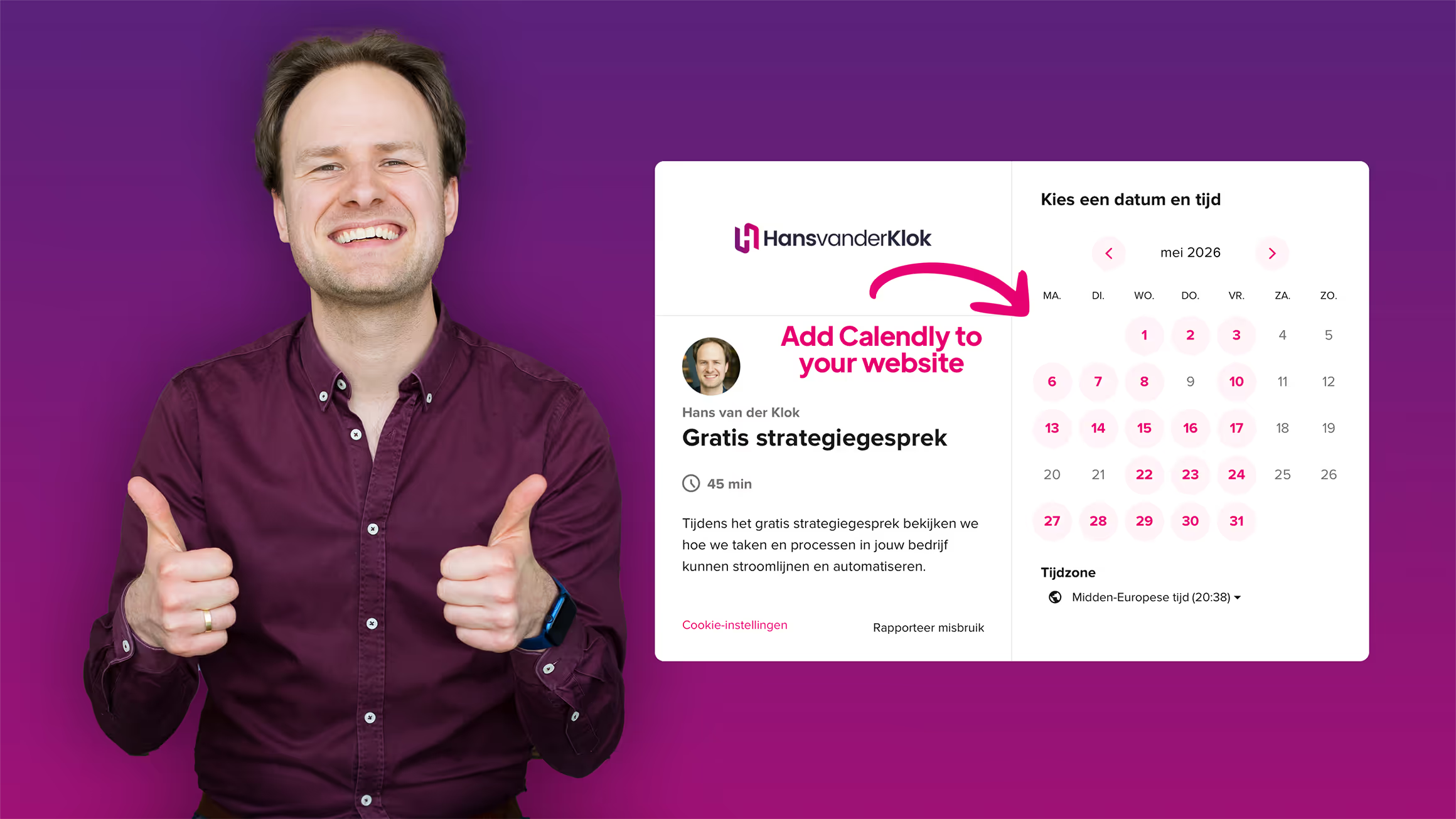

Website visitors want to get in touch quickly and without friction. By adding Calendly to your website, often referred to as embedding, visitors can book an appointment immediately, without leaving your site.
In this article, I'll explain the different ways Calendly can be added to your website and how to use each option to create a smooth and consistent scheduling experience.
Why embed Calendly on your website?
When visitors have to leave your website to book an appointment, it creates unnecessary friction. Embedding Calendly directly on your site allows you to:
- let visitors choose a suitable time instantly
- make scheduling faster and more straightforward
- create a professional and consistent user experience
This makes it easier for visitors to schedule an appointment directly.
Three ways to add Calendly to your website
Calendly offers three ways to enable scheduling on your website. Which one you use depends on how visible you want the scheduler to be and how central booking is on the page.
- Inline Embed
Places the Calendly scheduling page directly on your website. Visitors can select a time without leaving the page. This option is ideal when booking an appointment is the main goal of the page. - Popup Text
Adds a text link to your website. When visitors click the link, Calendly opens in a popup overlay. This works well if you want to keep the page clean while still offering an easy way to schedule. - Popup Widget
Adds a floating button, usually in the corner of the screen. Visitors can open the scheduler from anywhere on the page. This is useful when scheduling should always be easily accessible.
Each option reduces friction, but the right choice depends on your website structure and how you guide visitors toward booking.
When should you choose which option?
- Inline Embed: when scheduling is an important part of the page
- Popup Text: when you want to offer scheduling in a subtle way
- Popup Widget: when you want a fixed scheduling button to always be visible
This makes it easier to choose the option that fits your website and the way you work.
Conclusion
By adding Calendly to your website, scheduling becomes more accessible and consistent. It improves the experience for your visitors and creates a more professional process.
Looking to further streamline your work?
- Explore more free videos and articles about Calendly with practical explanations and smart use cases.
- Check out my complete Calendly course (available in Dutch) and learn how to automate appointments, optimize your calendar, and create more clarity in your planning.
- Schedule a free strategy call and discover how I can help you set up smarter processes, systems, and scheduling.


Hi, I'm Hans! It's my passion to automate workflows, giving you more free time, improving customer experiences, and growing your revenue.